
Looking for a remove.bg Alternative?
Bg-Remover.org keeps the task simple: upload an image, remove the background, inspect the edges, and keep a usable transparent PNG when it fits your workflow.
- No login required
- Built-in background editor
- Simple workflow
- Clean cutout edges
Why look for a remove.bg alternative?
For many users, the issue is not finding another AI tool. It is keeping a simple job simple after the product they used starts routing them somewhere else or changing the rules of the game.
Keep the single-task workflow
You just want to remove a background, not use a heavy design platform. If a 30-second task requires navigating templates, canvases, and a new account system, it creates immediate friction. Users need a dedicated entry point, not an app that forces them to relearn the export flow.
Free Downloads Should Be Useful
Free previews limited to 0.25 MP are useless for e-commerce or print. Users want full-resolution, watermark-free transparent PNGs. You shouldn't have to buy credits just to get a file you can actually use.
Avoid forced ecosystem lock-in
You shouldn't have to migrate your entire workflow just for a cutout. If you already use Photoshop or Figma, being forced to create another account or manage a new subscription is a dealbreaker. The tool should be independent, not a gateway to a broader ecosystem.
Edge quality that survives inspection
Quality cannot drop. It’s not just about separating subject from background; tools must accurately handle fine hair, pet fur, glass, and low-contrast edges. If the result has unnatural halos or jagged edges, users will abandon it immediately.
Privacy without vague slogans
If you process private photos or unreleased products, uploading to unknown servers is risky. You need clear answers on data storage, AI training, and deletion. Privacy claims should be precise, not vague slogans.
Protect existing workflows
For developers and e-commerce sellers, remove.bg was more than a website. If your workflow relies on batch uploads, desktop apps, or API calls, you need a specialized migration plan. Bg-Remover.org focuses on straightforward, browser-based editing and does not currently offer these integrations.
Real results on four high-value cases
The true test of a background remover is how it handles the hardest edges. Compare the exact same original image across Bg-Remover.org and remove.bg below.
Portrait with fine curly hair
Check fine strands, broken hair edges, gray halos, and background remnants at 200 percent crop.
Original 
Bg-Remover.org 
remove.bg 
Pet fur and whiskers
Check irregular fur edges, whiskers, halo artifacts, and missing tufts around the outline.
Original 
Bg-Remover.org 
remove.bg 
White product on a light background
Check product boundaries, sole edges, stitching, shadows, and leftover background pixels.
Original 
Bg-Remover.org 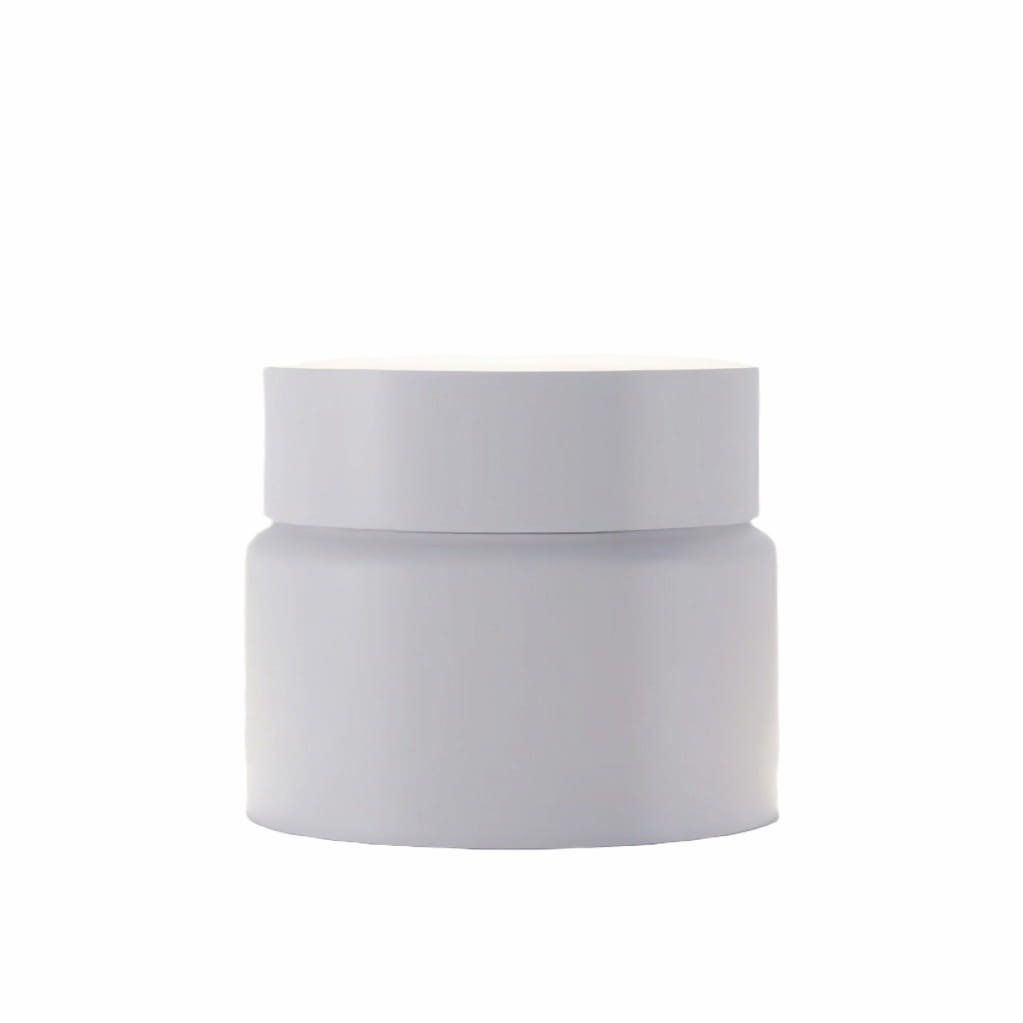
remove.bg 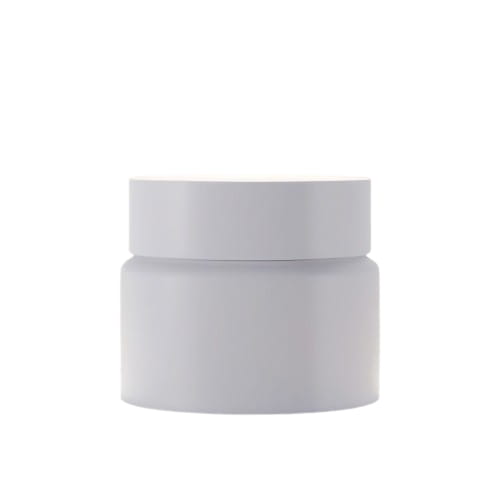
Glass bottle with reflections
Check transparent areas, highlights, reflections, edge artifacts, and whether the bottle still looks physically plausible.
Original 
Bg-Remover.org 
remove.bg 
Method: Default settings, transparent PNG output. We show the results as they are—if remove.bg performs better on a specific image, we say so.
Bg-Remover.org vs remove.bg
The right remove.bg alternative depends on your image, your output requirements, and how much workflow you want around the cutout. remove.bg facts below were verified against public sources in October 2026.
| Feature | Bg-Remover.org | remove.bg |
|---|---|---|
| Background removal | One-click AI removal with edge refine tools | AI-powered background removal for complex edges |
| Free usage | Free full workflow, no account needed | 0.25 MP free previews; HD requires paid credits |
| Export resolution | High-resolution output | Up to 50 MP (PNG capped at 10 MP) with paid plans |
| Watermarks | No watermark | No watermark; limited by resolution on free tier |
| Account required | No account required | Account required for HD downloads |
| Output formats | Transparent PNG, JPG, WebP | PNG, JPG, WebP, ZIP with alpha mask |
| Editing tools | Erase/restore, background replace, shadows, color adjustments | Magic Brush, background galleries, AI backgrounds; moving to Canva |
| Data use and privacy | No data selling, no AI training, no ad targeting | Server-side EU processing; deleted in ~60 mins; opt-out for AI training |
| Batch processing | Not available now | Paid desktop app and API (up to 500 images/min) |
| API access | Not available now | REST API; moving to Leonardo.Ai on Dec 1, 2026 |
| Commercial use | Allowed under our terms | Paid subscription required for commercial use |
From background removal to seamless editing
No redirects, no jumping to a new platform. Keep the workflow continuous and purely focused on the highest-frequency editing tasks you actually need to finalize your image.
Remove the background
Upload your image, click to process, and wait for our free AI to instantly remove the background, creating a clean transparent cutout.
Refine the edges
Use the precise erase and restore brushes to fine-tune the result. Perfect the hair, fur, or complex boundaries left behind by the AI.
Edit and adjust
Core EditorMove beyond the edges. Use the rest of the editor's core features to replace the background, add shadows, or adjust the colors.
Manual adjustments
Fine-tune specific areas or restore missed details with dedicated brushes.
Backgrounds
Set a solid color, a crisp white, transparency, or upload your own custom image.
Effects & Shadows
Add natural depth with adjustable shadows and blur, exactly where the subject needs it.
Color & Light
Tweak brightness, contrast, saturation, and temperature with live preview controls.
Export
Download your finalized image in high-quality PNG, JPG, or WebP formats, ready for your next project.
Who Is Bg-Remover.org Best For?
Whether you need a quick one-off cutout or a clean product image for your store, our lightweight tool is designed for specific, everyday tasks—no bloat, no forced ecosystem.

Casual Users
Need to remove a background from a single photo for a profile picture or a quick project? Upload, process, and download instantly without creating an account.

Content Creators
Build transparent PNG assets for overlays, thumbnails, or marketing materials. Use the Background Editor to quickly swap backgrounds or add simple shadows.

E-commerce Sellers
Prepare product photos for marketplace listings or catalogs. Generate a transparent cutout or a solid white background to meet standard listing requirements.

Students & Educators
Prepare images for slides and educational materials. Get clean, transparent cutouts for your assignments and presentations without navigating a complex design suite.
Why we built this product
Let’s be honest: as long-time users, the frustrating part was never the background removal itself. Removing a background should be a simple, quick task. But the workflow has become more complicated for users who just want to upload an image and download a clean cutout.
First, the original workflow began directing everyday users toward Canva, a broader design platform. Then, the developer and API paths were redirected to Leonardo.Ai. At some point, it stopped feeling like a single, cohesive tool and started feeling like a relay station. For people who only need to remove a background, that adds unnecessary steps.
So, we built Bg-Remover.org. There is no massive ecosystem here, no forced redirects, and no complicated account systems. We just wanted to create a reliable place where you can upload an image, remove the background, and save the result without navigating a whole new platform. That is the only reason this product exists.
Facts, limits, and privacy
Know exactly what you get before you start, and how your images are handled behind the scenes.
Free access and download clarity
Bg-Remover.org is currently available without a paid plan.
- Account
- No account required
- Watermark
- No watermark on downloads
- Output format
- Transparent PNG, JPG, WebP
- Maximum input dimensions
- Use the documented upload limit shown in the tool
- Output dimensions
- Download high-resolution output within the documented size rules
- Usage limits
- Reasonable browser-based usage is supported; very heavy workflows should be tested first
- Commercial use
- Allowed under the Bg-Remover.org terms
Privacy and image handling
Image tools should explain how files and activity are handled without hiding behind vague privacy slogans.
No selling user data
We do not sell user data.
No AI training on processed images
We do not use processed images to train AI models.
No behavior-based ad targeting
We do not use your tool activity to target advertisements to you.
Clear processing boundaries
Finished result images are not uploaded for storage, and the workflow is designed to keep simple cutouts moving without extra account friction.
Retry when a job fails
If processing fails, retry the job instead of leaving you stuck with a preview.
Navigating the remove.bg Transition
The planned discontinuation of the remove.bg standalone website marks a significant shift in image workflows.
The official migration routes everyday web users toward Canva, while developer and API users are pointed toward Leonardo.Ai. If you just need online background removal and seamless editing, you can start with Bg-Remover.org. If you rely on APIs or professional integrations, verify the specific capabilities of your chosen migration path.
What if I just need online background removal?
You can start immediately with Bg-Remover.org. Upload an image, let our AI remove the background, and download a transparent PNG without creating an account.
What if I need to edit the background?
Use our Background Editor. You can swap backgrounds, add shadows, and adjust colors entirely within the browser, with no forced redirects to a larger design platform.
What about API, desktop apps, or Photoshop plugins?
If you depend on programmatic API access, desktop batch processing, or Photoshop extensions, you will need to look for a specialized migration solution. Bg-Remover.org focuses on browser-based workflows and does not currently offer these integrations.
Try Bg-Remover.org with your own image
The easiest way to evaluate a remove.bg alternative is to test it on the images you actually use. Start with one image, inspect the edges, and keep the result only if it fits your workflow.
Frequently asked questions
Is Bg-Remover.org affiliated with remove.bg?
No. Bg-Remover.org is an independent service. This page is an independent comparison and is not endorsed by remove.bg or Canva.
Is the remove.bg website being discontinued?
remove.bg has announced that its standalone website will be discontinued starting December 1, 2026 at 9:00 a.m. CET. The announced consumer migration path is Canva. Check the official remove.bg FAQ for current details.
Is this remove.bg alternative free to use?
Yes. Bg-Remover.org is currently available without a paid plan, with no account required for the core workflow.
Do I need to create an account?
No. You can upload an image, remove the background, and download the result without creating an account.
Can I download a transparent PNG?
Yes. The workflow supports transparent PNG output so you can place the cutout on a new background or into a design.
Will my downloads have a watermark?
No. Downloads are watermark-free.
Can I use the images commercially?
Yes, under the Bg-Remover.org terms. You still need the necessary rights to the original images and any depicted people, brands, or protected content.
Can I change the background after removing it?
Yes. Use the Background Editor to replace the background with transparency, solid white, a color, or a custom image.
Does Bg-Remover.org work on mobile?
It can work in a mobile browser, but desktop is recommended for demanding images because actual performance depends on device, browser memory, and image dimensions.
Are my images uploaded to a server?
The workflow is designed around fast browser-based processing. Finished result images are not uploaded for storage, and processed images are not used to train AI models. See the Privacy Policy for details.
Is Canva a better alternative for me?
If you want an all-in-one design workflow with templates and team features, Canva may suit you better. If your primary task is to remove a background and prepare a cutout with the tools available on Bg-Remover.org, try it with your own image and compare the result.